






Secure checkout · Instant delivery to your email


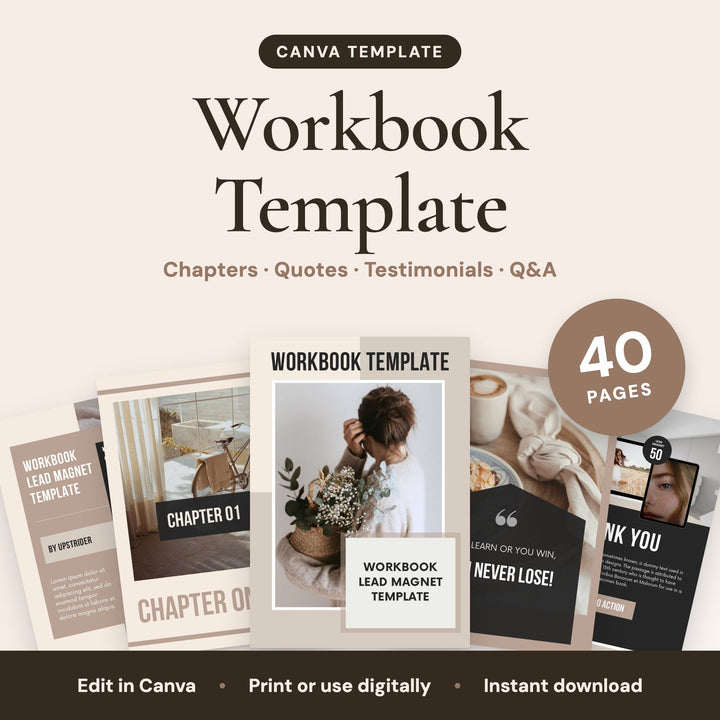
An editable workbook and lead magnet template for coaches and creators. Add your own text and photos to build an e-book, workbook or freebie in Canva.
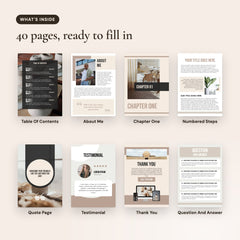
What's inside (40 pages)
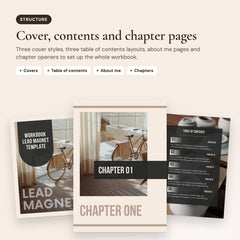
- Covers: Three workbook and lead magnet cover designs.
- Contents & about: Three table of contents layouts and two about me pages.
- Chapters: Chapter one, two and three opener pages.
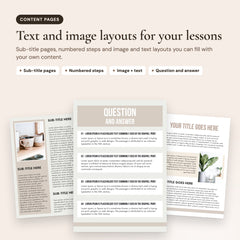
- Content layouts: Sub-title, numbered steps, and image and text pages.
- Quotes & testimonials: Six quote pages and three testimonial pages.
- Finish: Thank you pages with a call to action, and question and answer pages.
Good to know
- 40 pages, A4 (210 x 297 mm).
- Edit it in Canva. It works with the free version of Canva.
- Type straight into the pages, change colours and fonts, then print it or save it as a PDF.
- Instant download: you get a PDF with your Canva template link.
How it works
- Buy once, get it instantlyRight after checkout you get a PDF with your Canva template links, on screen and by email.
- Open the links in CanvaEach link makes your own copy of the templates. They work with the free version of Canva.
- Make them yours and postChange the text, colours, logo and photos, then download or schedule your posts.
- Choosing a selection results in a full page refresh.