





Secure checkout · Instant delivery to your email


For mortgage brokers & loan officers
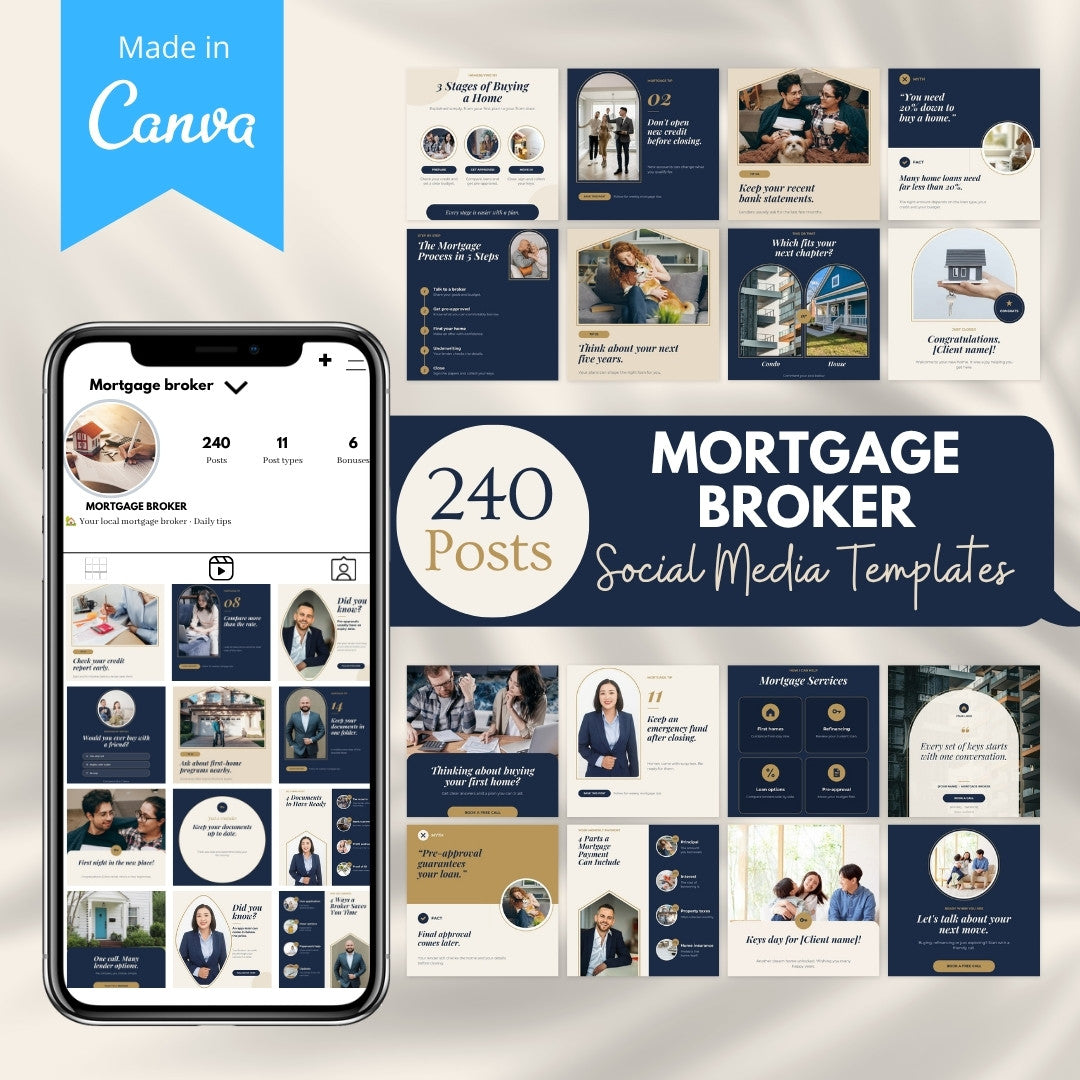
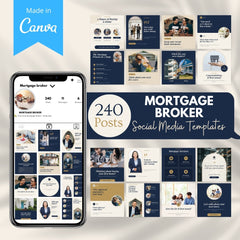
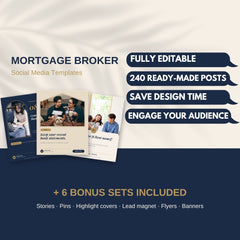
240 mortgage posts, designed and written for you.
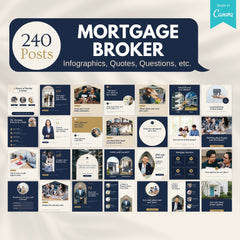
Editable Canva templates for every kind of post you need: infographics, daily tips, myth-busters, client celebrations, promos and ad layouts. Every post comes with a ready-to-post caption. Add your logo, colors and details, then post.
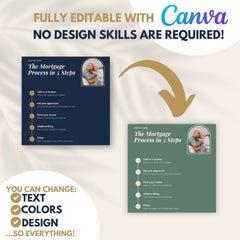
- ✓ Editable with the free version of Canva
- ✓ 240 captions included
- ✓ Personal or resell license

Feed posts240fully editable
Post types11one Canva file
Bonuses4beyond the feed
Captions240one per post
What’s inside
11 post types to keep your feed varied.
Education, trust, engagement and offers in one Canva file. Each section starts with its own divider page, so the right post is always easy to find.


![Client celebration template: Welcome home, [Client name]!](https://cdn.shopify.com/s/files/1/0584/1698/8351/files/mortgage-desc-type-celebrations.jpg)


+4Bonuses includedA lead magnet, flyers, Stories, Pins, Highlight covers, banners and the Caption Bank.
Take a closer look
Clear answers, beautifully laid out.
The questions your clients ask, turned into posts they can read in seconds. Real templates from the bundle, shown exactly as you get them.
Infographics
Explain the process in one post
Documents, pre-approval, credit and the steps to closing, explained simply.

Swipe →
Engagement
Start conversations
This-or-that choices, questions of the day and polls that invite comments.

Swipe →
Ad templates
Promote your services
Offer-led layouts with a clear call to action and room for your own details.

Swipe →
Your brand on every post
One premium look across all 240 posts.
Navy, ivory and gold with roofline, arch and round photo frames. Mix any posts in any order and your feed still looks like one brand.

![Close-up of the brand bar: YOUR LOGO, [PHONE] and [WEBSITE], a Book a call button and the line [NMLS / LICENCE #], General information, not financial advice](https://cdn.shopify.com/s/files/1/0584/1698/8351/files/mortgage-desc-brand-bar.jpg)
A brand bar on every feed post
Your logo, a Book a call button, [PHONE] · [WEBSITE], and a small line for [NMLS / LICENCE #] with “General information, not financial advice.”
Photos that fit the nicheHomes, keys, families and advisers from Canva’s free photo library. Replace any photo with your own.
Placeholders, not promises[RATE]%, [AMOUNT], [Client name] and [City] mark every detail only you can fill in.
Included bonuses
Four bonuses that work beyond the feed.
Give buyers something useful, reach real estate agents and keep every channel on brand.

Bonus 1 · Lead magnet
The First-Time Homebuyer Roadmap
A 10-page editable guide to give away to buyers: a 6-step roadmap, a numbers worksheet, a document checklist, credit tips, questions to ask your lender and more. Share it as a PDF or print it as a leave-behind.
- 10 pages
- US Letter
- Your name on every page

Bonus 2 · Print
3 printable flyers
Get Pre-Approved for buyers, a partner flyer for real estate agents, and a refinance review flyer for past clients. Each one has a clear call to action and space for your details.
- 3 flyers
- US Letter
- Print or share

Bonus 3 · Social kit
Stories, Pins, Highlights & banners
20 Instagram Stories with sticker space, 20 Pinterest Pins, 12 Highlight covers and 3 banners: a Facebook cover, a LinkedIn banner and an email header.
- 20 Stories
- 20 Pins
- 12 Highlights
- 3 banners

Bonus 4 · Copy
The Caption Bank
240 ready-to-post captions in their own Canva file, in the same order as the posts in the main design, each with its page number, hashtags and a disclaimer line. Swap [LINK], [Client name] and [NMLS / LICENCE #], then post.
- 240 captions
- Matched by page
- Own Canva link
How it works
From download to your first post in three steps.
1
Open the PDF
Click the template links inside. Canva copies the main file and each bonus into your own account.
2
Make it yours
Add your logo and colors. Use Find and replace (Cmd or Ctrl + F) to fill [PHONE], [WEBSITE] and the other placeholders on every page at once.
3
Post and reuse
Download a post, copy its caption from the Caption Bank and publish. Edit and repost as many times as you like.
Choose your license
Two ways to use it.
Option 1
Personal Use
Create content for your own mortgage business and your clients.
Option 2
Resell Rights
Sell these templates as your own digital product and keep 100% of the profit.
Made for your work
Built for the people behind the keys.
Whether you run a brokerage or work on your own, these templates give you a steady stream of posts that explain, reassure and invite the next conversation.
- Mortgage brokers
- Loan officers
- Mortgage advisers
- Real estate teams
- Social media managers with mortgage clients
Good to know
Before you buy.
A Canva accountEditable with the free version of Canva. Built with Canva Free photos and two free fonts: Playfair Display and Montserrat.
Compliance-friendly placeholdersNo invented rates, statistics or guarantees. Rates, amounts and client details are placeholders such as [RATE]% and [Client name]. Check your local advertising rules before posting.
SizesFeed posts and ads 1080 × 1350 (4:5). Stories and Highlight covers 1080 × 1920. Pins 1000 × 1500. Lead magnet and flyers US Letter.
US terms, easy to adaptWritten with US terms such as down payment and closing costs. Every word is editable, so you can switch to deposit, completion or settlement.
General information onlyThe posts share general education, not personal advice, and every feed post carries a line that says so.
Nothing is shippedInstant digital download: a short PDF with your Canva template links, one for the main file and one for each bonus, including the Caption Bank.
Ready when you are
Your next post is already designed.
Download the PDF, open the templates in Canva, and plan your first week of posts today.
✓ 240 feed posts ✓ 11 post types ✓ 4 bonuses ✓ 240 captions ✓ Works with the free version of Canva ✓ Personal or resell license
Instant download
Lifetime access
Fully editable on Canva
Free future updates
How Does It Work?

- Choosing a selection results in a full page refresh.