





Secure checkout · Instant delivery to your email


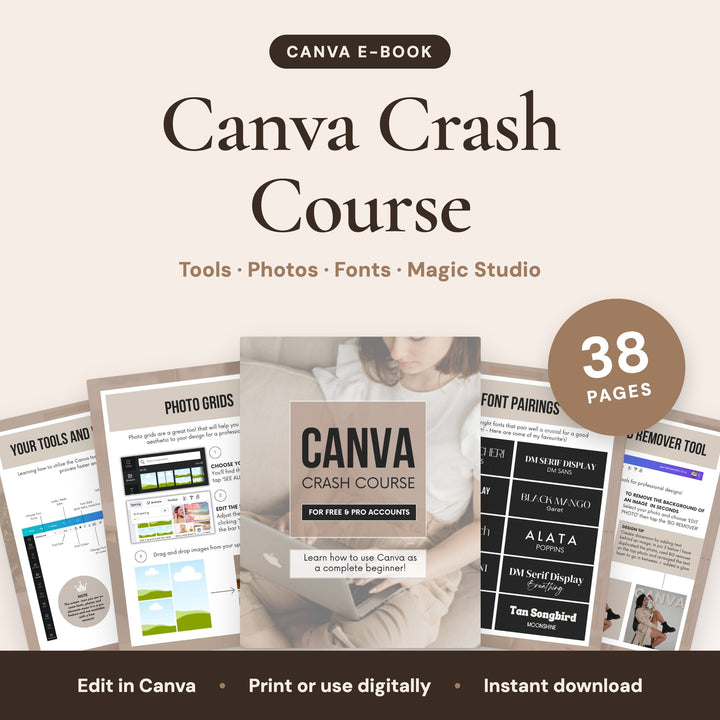
A Canva guide for free and Pro accounts. Learn how to start a design, load a template, edit photos and text, use the Magic Studio tools and save your work.
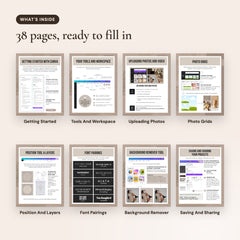
What's inside (38 pages)
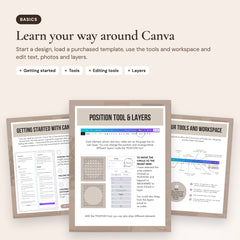
- Getting started: Getting started with Canva, starting a design and loading a template you have purchased.
- Tools & workspace: Your tools and workspace, editing tools, position tool and layers, and locking design elements.
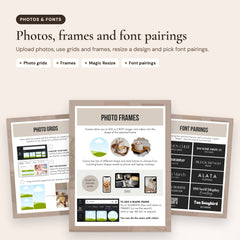
- Photos & text: Uploading photos and video, photo grids, photo frames, Magic Resize, font pairings and adding hyperlinks.
- Magic Studio: Background Remover, Magic Eraser, Magic Expand, Magic Edit, Magic Grab, Grab Text, photo filters and effects.
- Save & share: Saving and sharing your projects, file types and where to save.
Good to know
- 38 pages, US Letter (8.5 x 11 in).
- Edit it in Canva. It works with the free version of Canva.
- Type straight into the pages, change colours and fonts, then print it or save it as a PDF.
- Instant download: you get a PDF with your Canva template link.
How it works
- Buy once, get it instantlyRight after checkout you get a PDF with your Canva template links, on screen and by email.
- Open the links in CanvaEach link makes your own copy of the templates. They work with the free version of Canva.
- Make them yours and postChange the text, colours, logo and photos, then download or schedule your posts.
- Choosing a selection results in a full page refresh.